


Now You Can Use Your RuPay Credit Card on UPI! Here’s Exactly How to Link It (Step-by-Step 2026 Guide)

In case you use UPI on a daily basis, and you also have a RuPay credit card, this may entirely alter your way of payment.
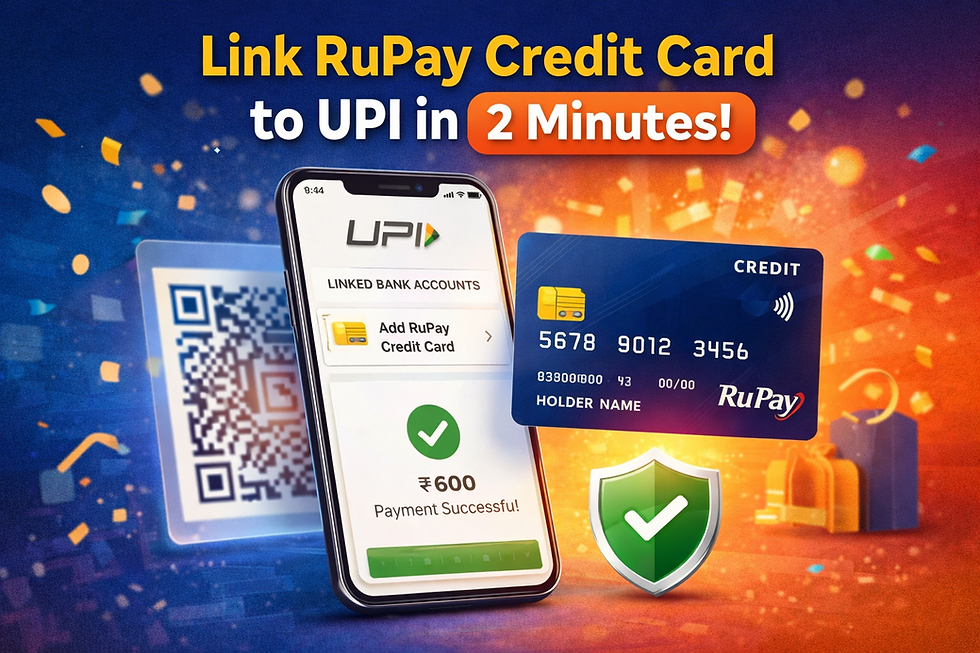
Now you can add your Rupee credit card to UPI applications and make merchants pay with it in the same way as a bank account.
But here’s the catch:
Not all apps support it.
Not all transactions are allowed.
And the setup process must be done correctly
In this blog, you will know:
How to connect a RuPay credit card with UPI apps.
What UPI apps will accept RuPay credit cards in 2026?
Step-by-step process to activate it
Charges, benefits & restrictions
Can You Link RuPay Credit Card to UPI?
Yes. You can add your RuPay credit card to UPI - but only in case:
Your bank supports it, you have a RuPay credit card (not Visa/Mastercard).
You use a supported UPI app. This is a feature that was launched by the National Payments Corporation of India (NPCI) to increase credit payments made digitally in India. However,
Money cannot be transferred to friends via RuPay credit card in UPI.
It can be used to pay merchants with QR.
Not all UPI apps support it.
Now let’s see the full process.
How to Link RuPay Credit Card to UPI Apps (Step-by-Step Guide)

Step 1: Use a supported UPI App. The large applications that accept RuPay credit cards in UPI are:
PhonePe
Google Pay
Paytm
Step 2:
Open PhonePe / Google Pay / Paytm
Click your profile icon
Go to “Bank Accounts” or “Payment Methods”
Select “Add Credit Card”
If your bank supports it, you’ll see an option to add a RuPay credit card.
Step 3:
Choose the Rupay Credit Card. Choose Add RuPay Credit Card. Make sure:
Your credit card is associated with your mobile number.
UPI of credit cards is now possible at your bank.
The application will identify the eligible RuPay cards automatically.
Step 4:
You will be sent an OTP to your registered phone number.
Enter it to confirm.
Step 5:
You must create a separate UPI PIN for your RuPay credit card.
You’ll need:
Last 6 digits of your card
Expiry date
OTP verification
Once PIN is set, you’re ready.
Your RuPay credit card is now linked to UPI.
How to Use a RuPay Credit Card for UPI Payments
Using it is simple.
Scan any merchant QR code
Enter the payment amount
Select your Rupay credit card as opposed to a bank account.
Enter UPI PIN.
Payment successful
The amount gets billed to your credit card statement.
Benefits of Linking RuPay Credit Card to UPI
Earn Reward Points on UPI Payments
Earlier, UPI payments gave no credit card rewards.
Now:
You may earn reward points
Cashback may apply
Promotional offers may apply
This makes small merchant payments more rewarding.
Better Cash Flow Management
Instead of paying instantly from a savings account:
You get a 20–45-day credit period
You can manage monthly expenses better
Useful during short-term liquidity issues
Secure & Regulated System
UPI credit card payments are:
PIN protected
OTP verified
Monitored under NPCI guidelines
Security level remains high.
You can use an additional level of savings by visiting an app such as MyRupaya before finalizing your order with Amazon or Flipkart. This app tells you cashback correctly by comparing both platforms on your card, so that you can get more cashback
Final Thoughts
The digital payment sector in India is changing rapidly. One of the largest upgrades in recent years is the RuPay credit card on UPI.
No longer do you have to make a choice between a credit card and UPI, but rather have them together in a single continuous flow of payment.
Unless you have tried it yet, open PhonePe, Google Pay, or Paytm and see whether your RuPay credit card is eligible or not. You may open a smarter mode of payment.
Frequently Asked Questions (FAQs)
1. Can I send money to friends using a RuPay credit card on UPI?
No. Peer-to-peer transfers are usually not allowed.
2. Is the RuPay credit card UPI safe?
Yes. It follows NPCI security protocols.
3. Will I earn reward points?
In most cases, yes — depends on your bank.
4. Can I use a RuPay credit card on all QR codes?
Only eligible merchant QR codes.
5. Can I use it for EMI transactions?
No. UPI payments are not EMI-based unless the bank offers conversion later.


Comments